When you work on a sideproject, the first thing you probably do is register a domain. One of the final steps you do is setting up the email for contact as well as transactional and marketing emails. Ideally, if you have registered sideproject.com, you would want the emails you send to your users to go from [email protected] or [email protected].
Setting up an email with Google Workspace would cost you over $5 per month per email address. If you’re like me who works on multiple side projects, registering an email address for each is unnecessary cost. I like to keep the costs low so that, even if the project doesn’t get traction, I can still keep it running.
Enter Cloudflare
Cloudflare has many solutions and one of them is free email routing. You can read more about it here.
To give you a tl;dr version, Cloudflare lets you create email address which basically forwards the email to a different email you already own, at no cost.
If you manage your DNS on Cloudflare, it’s extremely easy to set this up.
- Log into Cloudflare
- Select your domain
- From the left sidebar, click on Email -> Email Routing
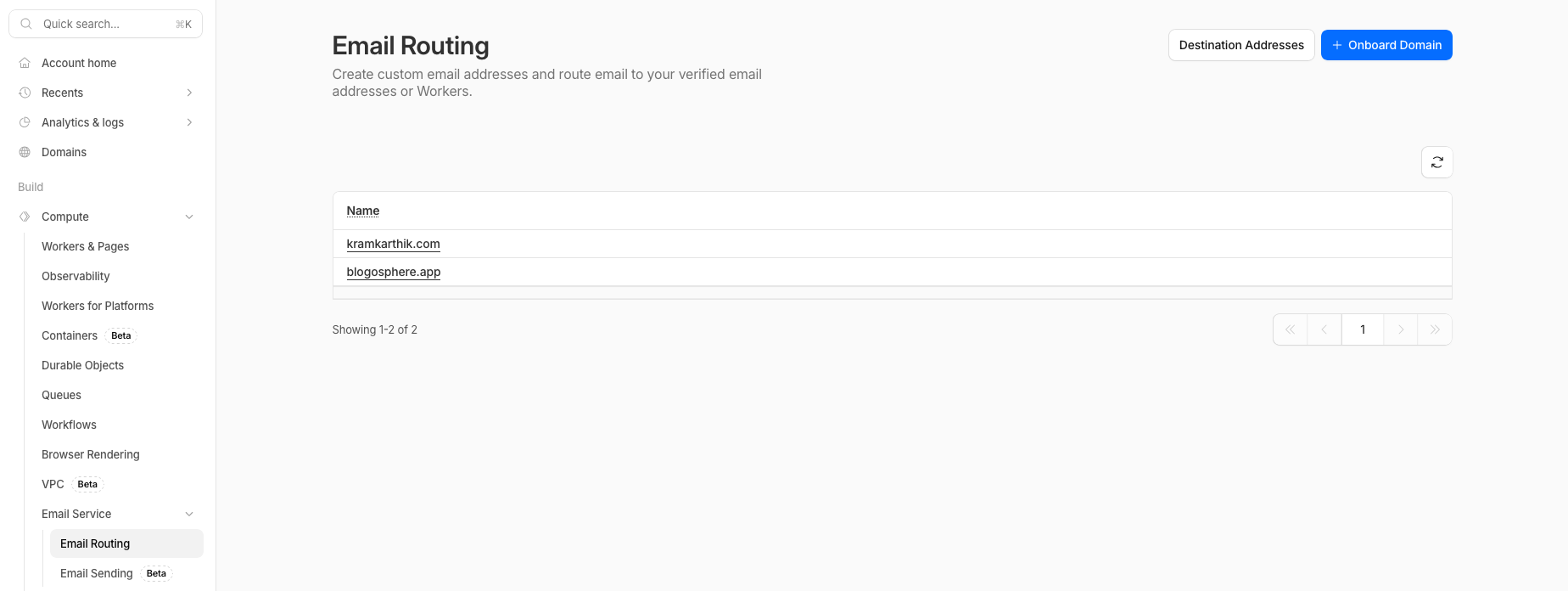
- Click on Add Domain
- In the next screen, select your domain and click next

- If your domain is on Cloudflare, it will automatically add the DNS records when you hit “Add records and continue”.

- Go back to the Email Routing screen and click on “Destination Addresses”.
- Click on “Add Address” and add the email to which you want the emails to be forwarded to. You will be required to verify this email.

- Now go back to the Email Routing screen and select the domain you want to set up the custom email for.
- Click on “Routing Rules”

- Click on “Create Address”
- Enter the email, choose the domain, and then select the destination address. Hit save.

That’s it. You now have an email that you can use as your contact/support email as well as the from email for your transactional and marketing emails.
You can set up multiple emails like this for a single domain. You can set up emails like this for multiple domains. All for free.
P.S.: This post is not sponsored by Cloudflare. I like things that are free.